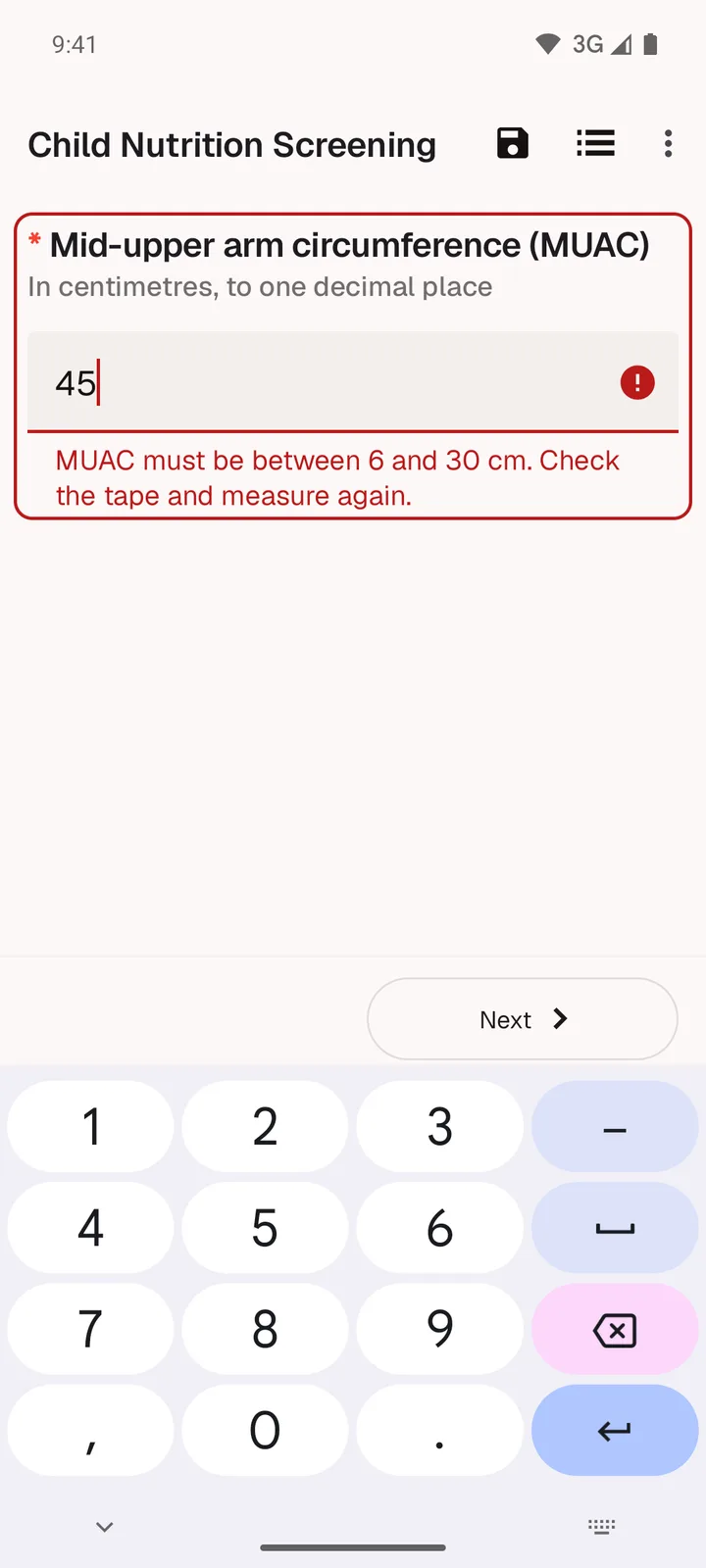
Catch slips before the next question
Range checks and required answers flag a mistake while you are still with the respondent, with a plain message about what to fix.

 SurveyLoopr Collect for Android
Our free Android app for ODK forms. Set up a phone with one QR code, then interview with or without signal.
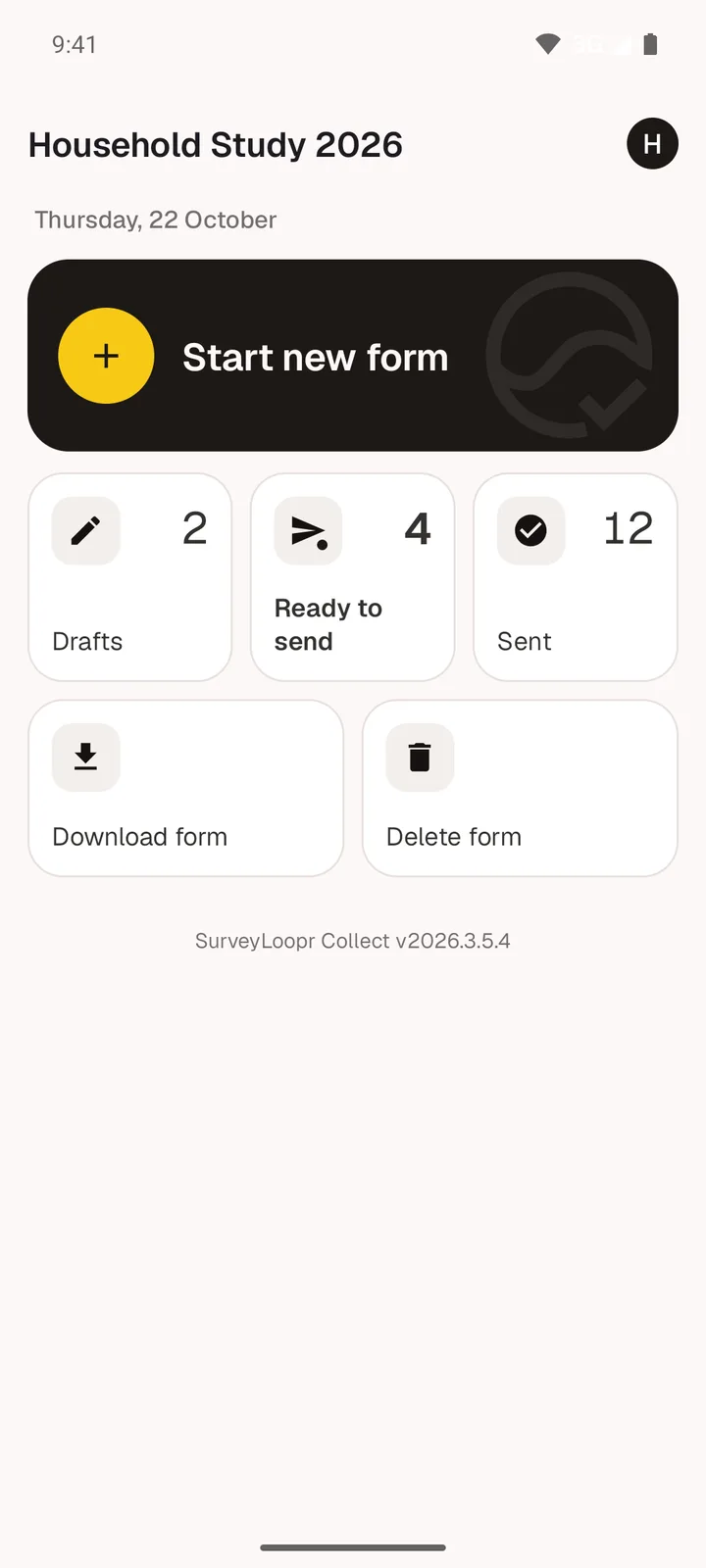
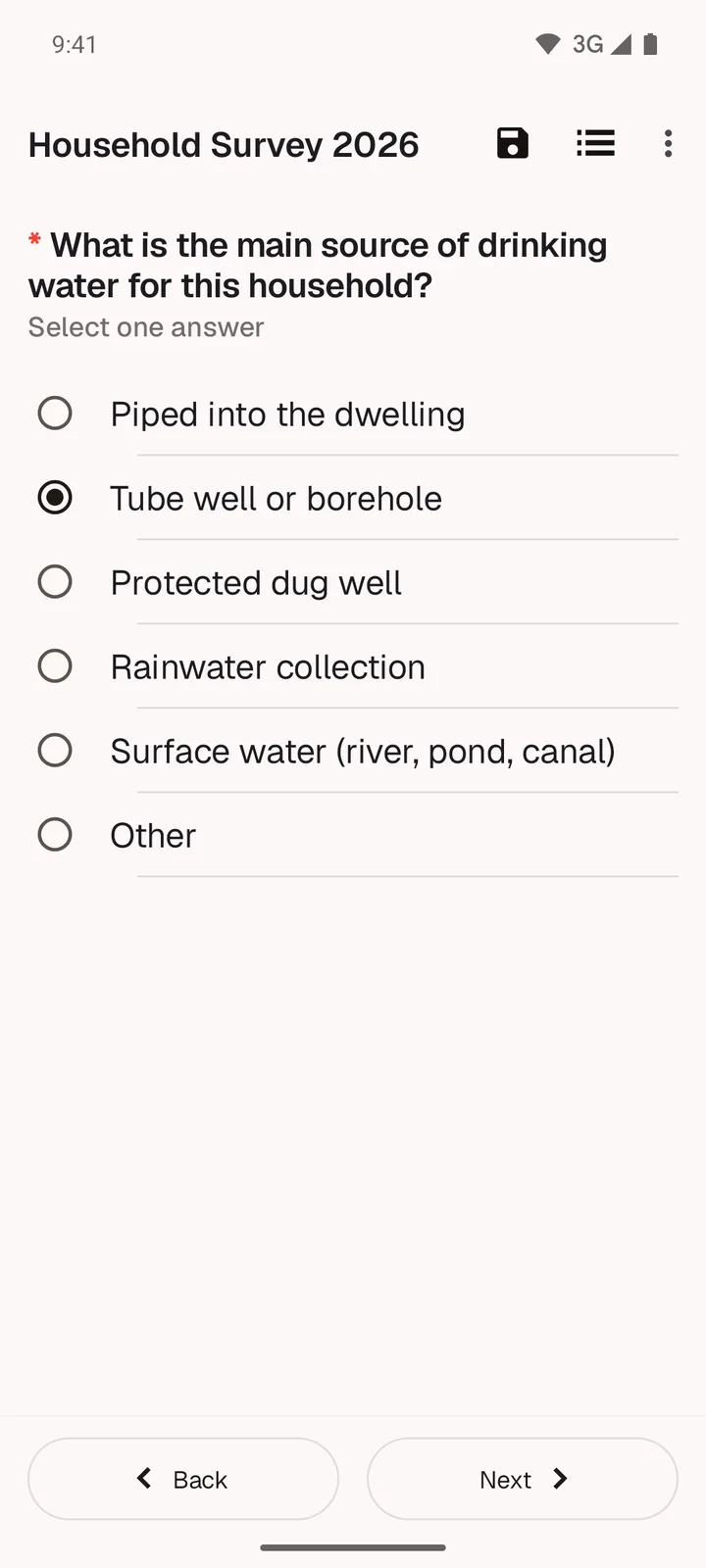
From the home screen to a sent form: what your field team sees on the phone.
Range checks and required answers flag a mistake while you are still with the respondent, with a plain message about what to fix.
Skip logic, calculations and repeats come straight from your XLSForm.
Finished forms wait safely on the phone and go with one tap once there is a connection.
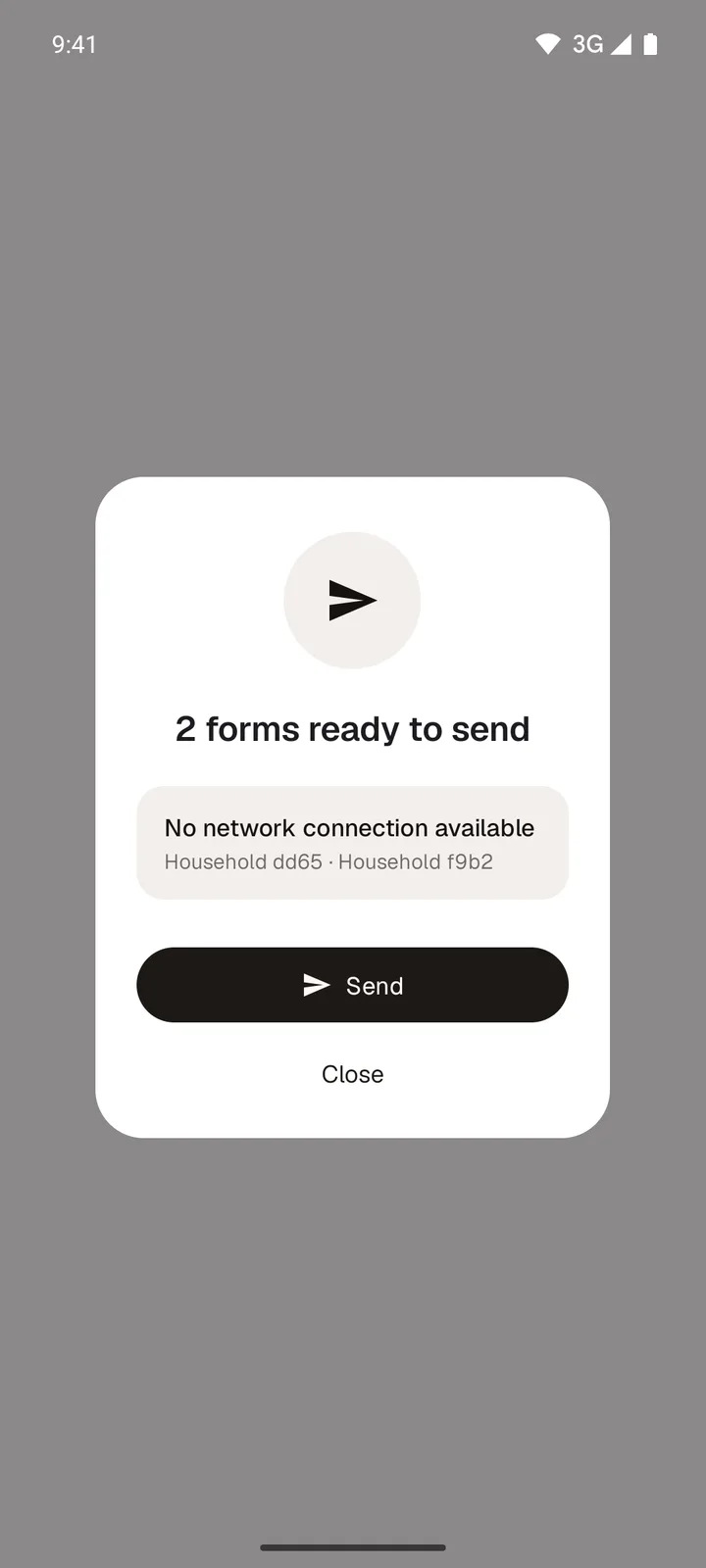
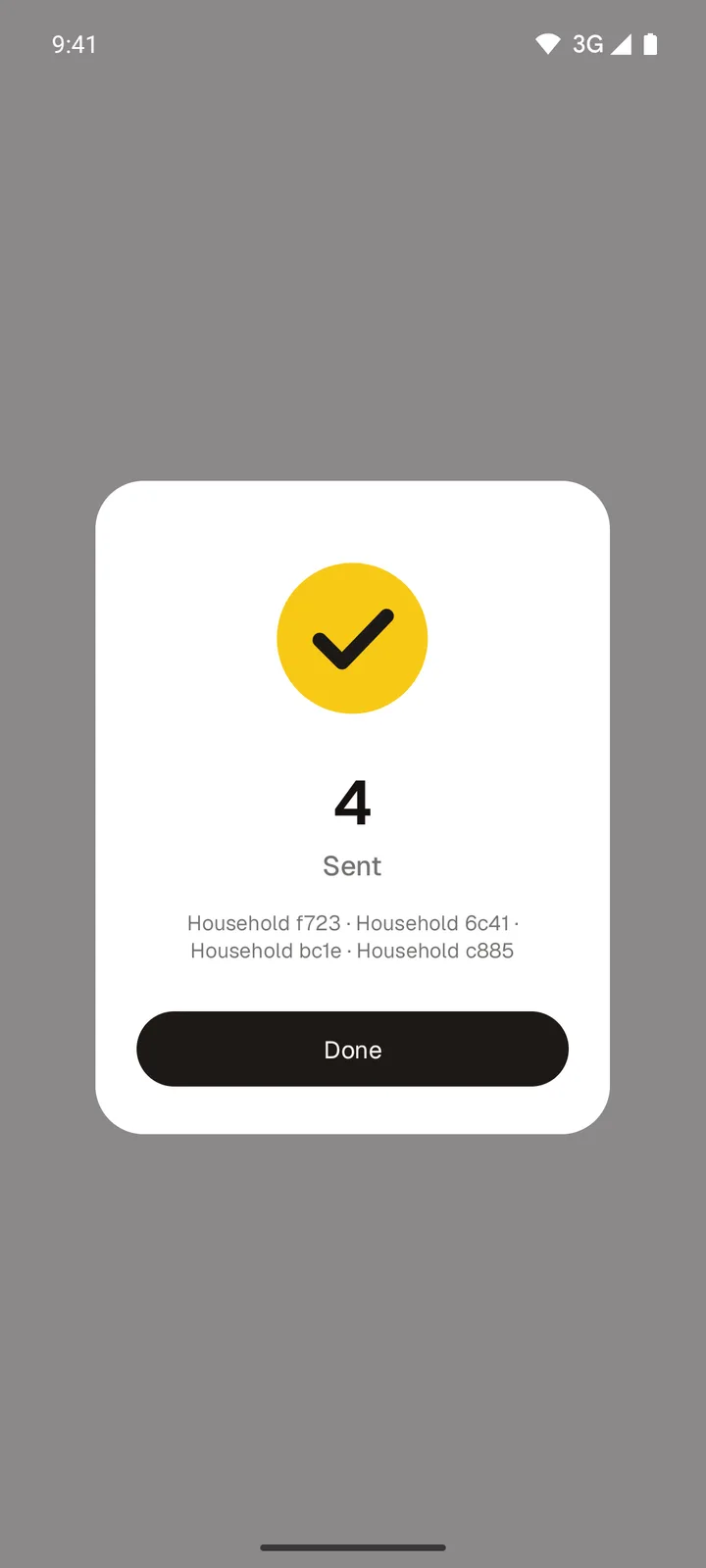
See exactly which interviews reached the server.
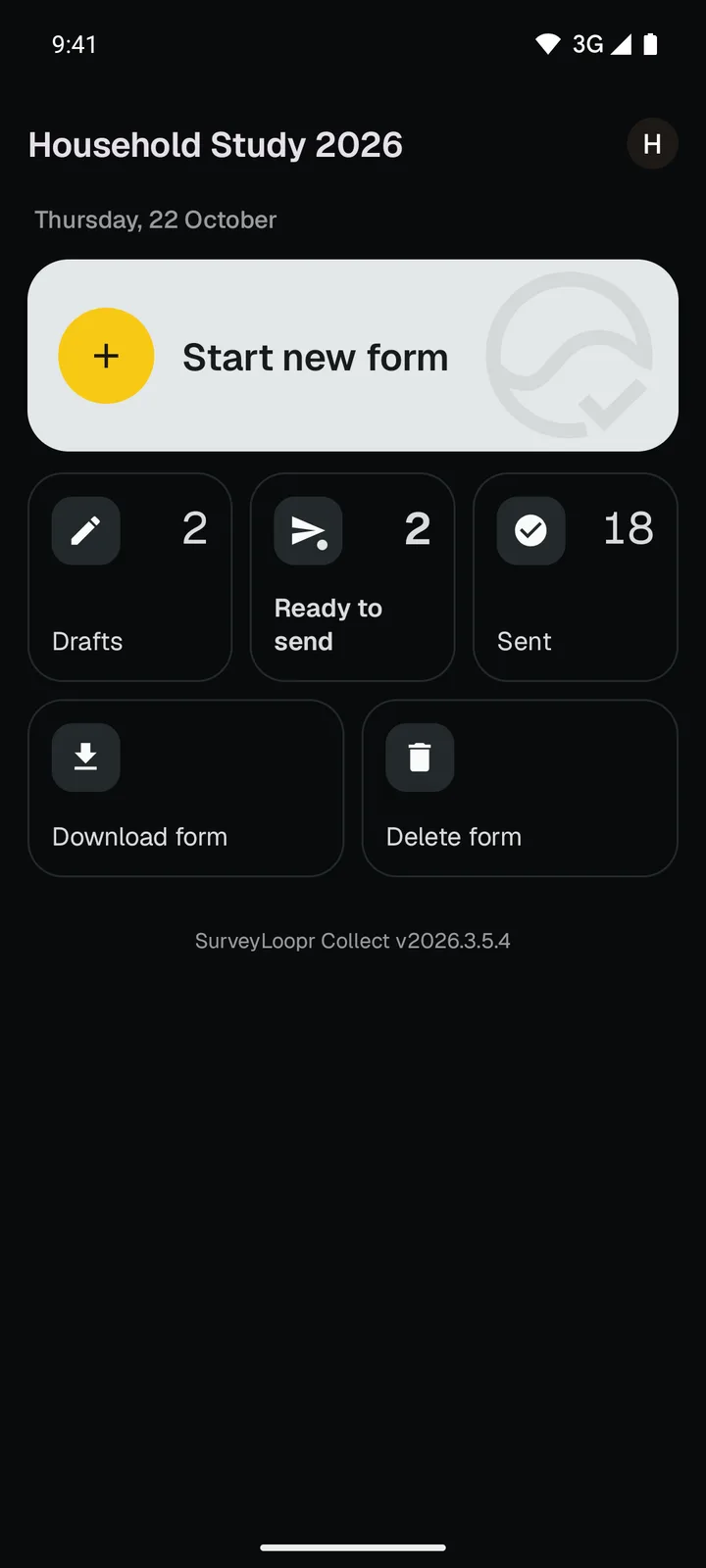
A true dark mode for early starts and late shifts.
Each field worker installs SurveyLoopr Collect from Google Play. On a computer, scan the code here with the phone's camera.
Open the Field team tab of your server in SurveyLoopr, add the worker, and show their QR code. In the app, tap Configure with QR code.
Their forms download to the phone. Interviews save offline and send when there is signal.
Using another ODK Central server? It works the same way. Read the setup guide.
SurveyLoopr Collect runs on the same engine as ODK Collect, the open-source app used by research and humanitarian teams worldwide. It works with any ODK Central server, reads the same setup QR codes, and supports encrypted forms. It is not made or endorsed by the ODK project.
No server yet? Try a real one free for 14 days, with a guide that ends in your first submission.
